Introduction
The following project is a redesign of an existing static wordpress business website. It is done using the Django framework utilising the inbuilt SQLite3 database and administrator system.
The intention was to extend the learning made during a degree web development module where the Django framework was used instead of React to create an e-commerce site. Using a real web site as a base provides the incentive to add value to the project and simulate a real world use case rather than create a direct copy of a site. The project was not meant to be a commercial endeavour but was developed as if it was one.
The project is currently un-hosted but displayed through images and short videos below (High Fashion and Whispers included for the boogy experience). The code can be found on github.
Hero section on landing page
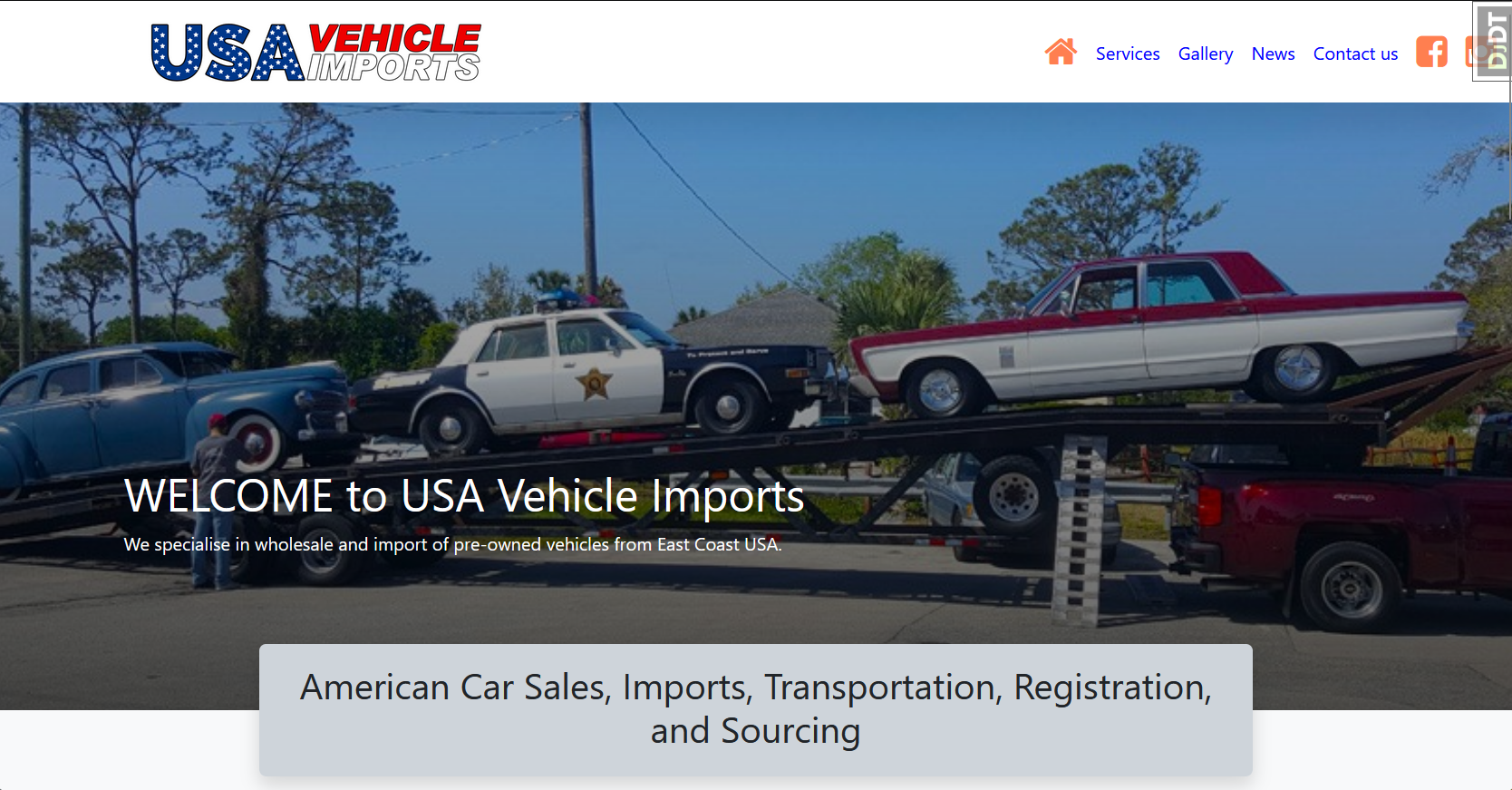
Why choose this site to redesign
This website was chosen to develope as it is old and does not contain anything other than a contact number, some text, and images. There is no dynamic interaction or social media contacts and does not appear to be regularly updated. Searching for the business social media presence reveals facebook as the method they use to update followers of news and inventory making the website redundant as a business asset.
This presents many opportunities to both learn how to add value to the site and learn the power of Django for the front and limited back end. Whilst it is common for a commercial project to use React for the front and Django for the back, this project uses Django for both. Bootstrap5, custom CSS, and javascript are used for styling. Almost all the content is stored in the in built SQLite3 database which is served dynamically to each page, if it exists, using placeholders and loops. The content is administered from Django's built in admin system and acts as a CMS template for a business advocate to use. The only two things that the site creator would need to change is the google maps link and several parallax background images set in css.
Under the hero section
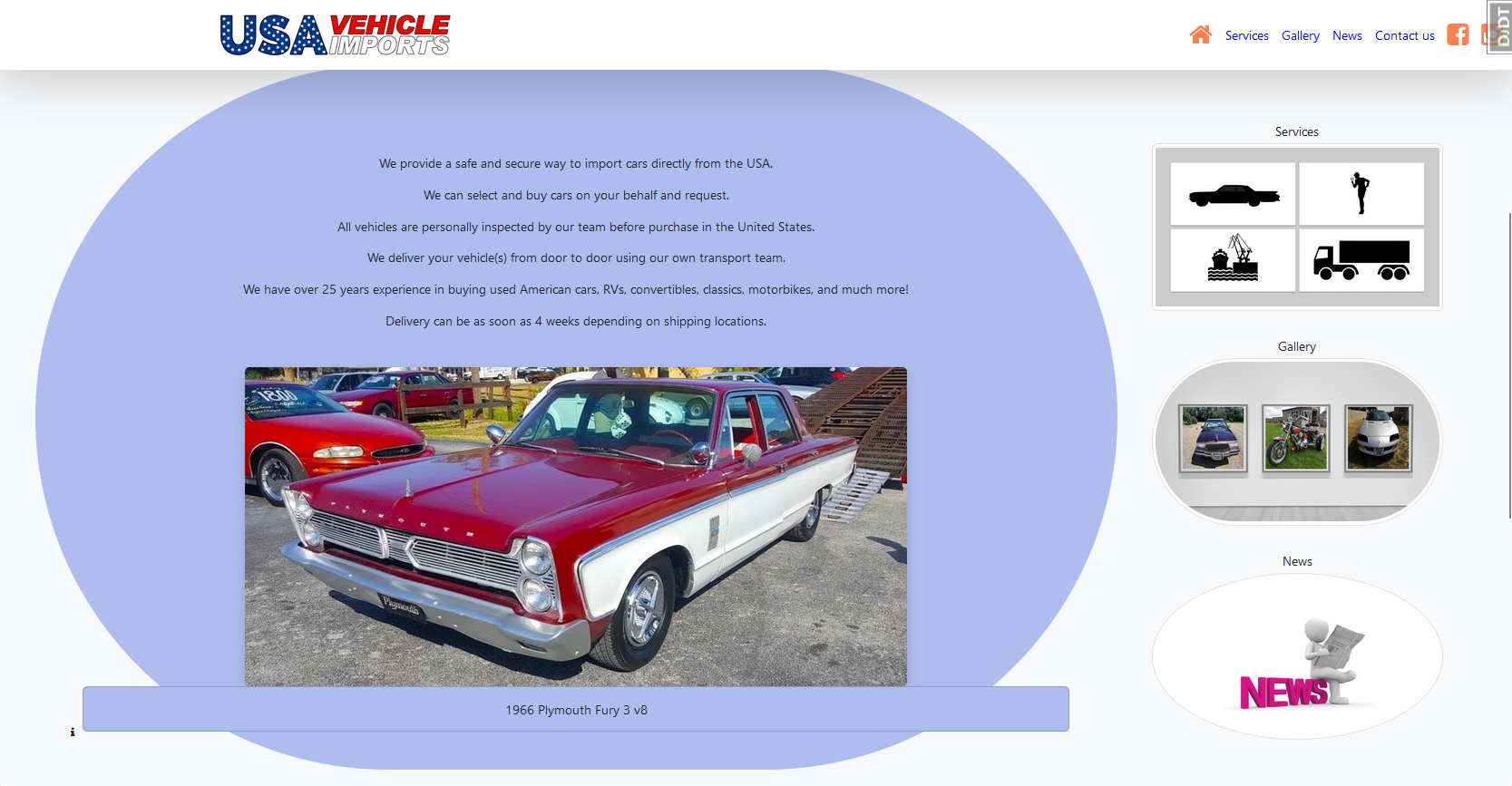
Content
Card subtitle
All the text content from the original site has been used as displayed here on the landing page. The improvement to content itself was not the focus but some corrections have been made to spelling and grammar.
Footer
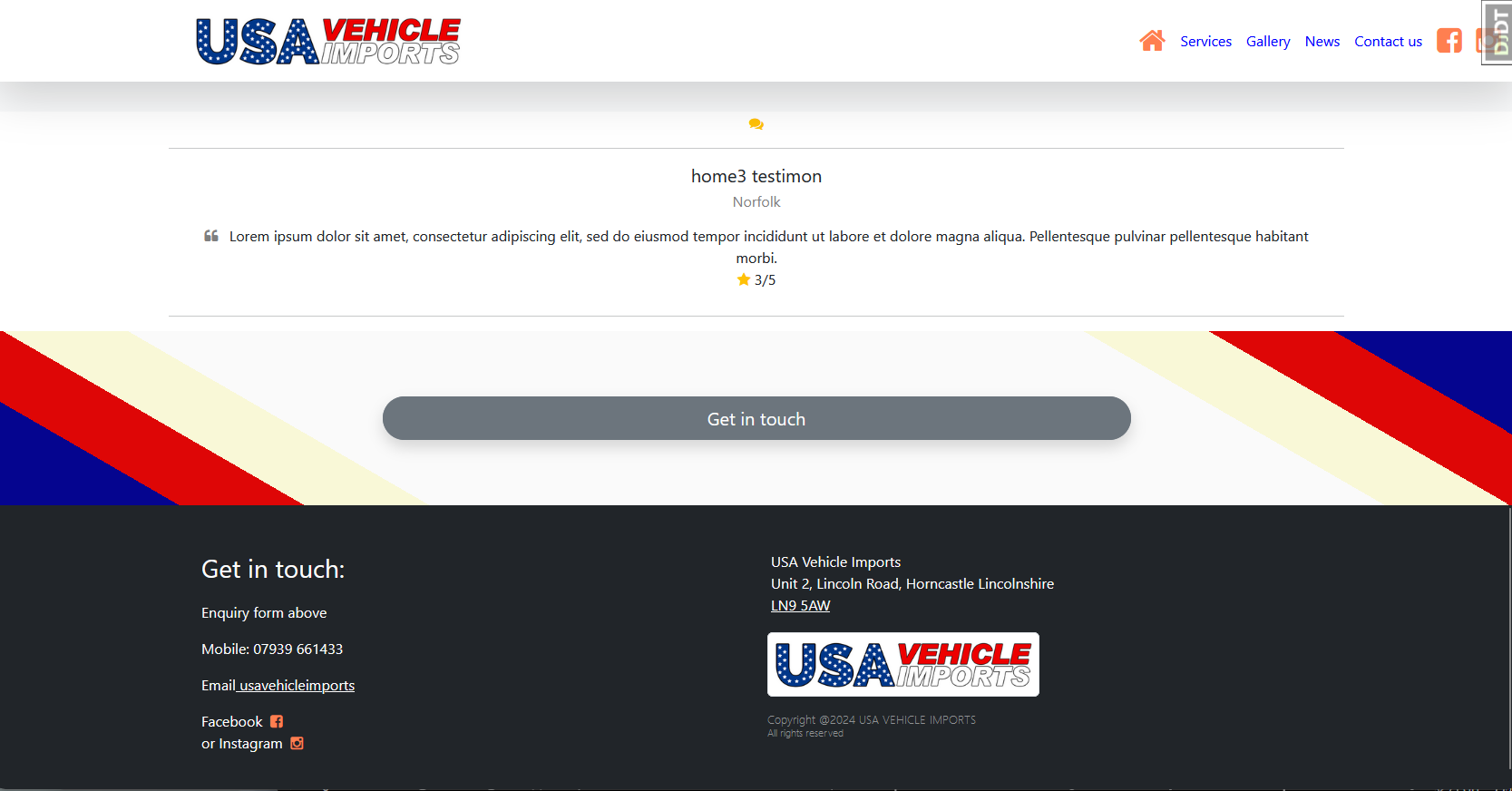
Services page
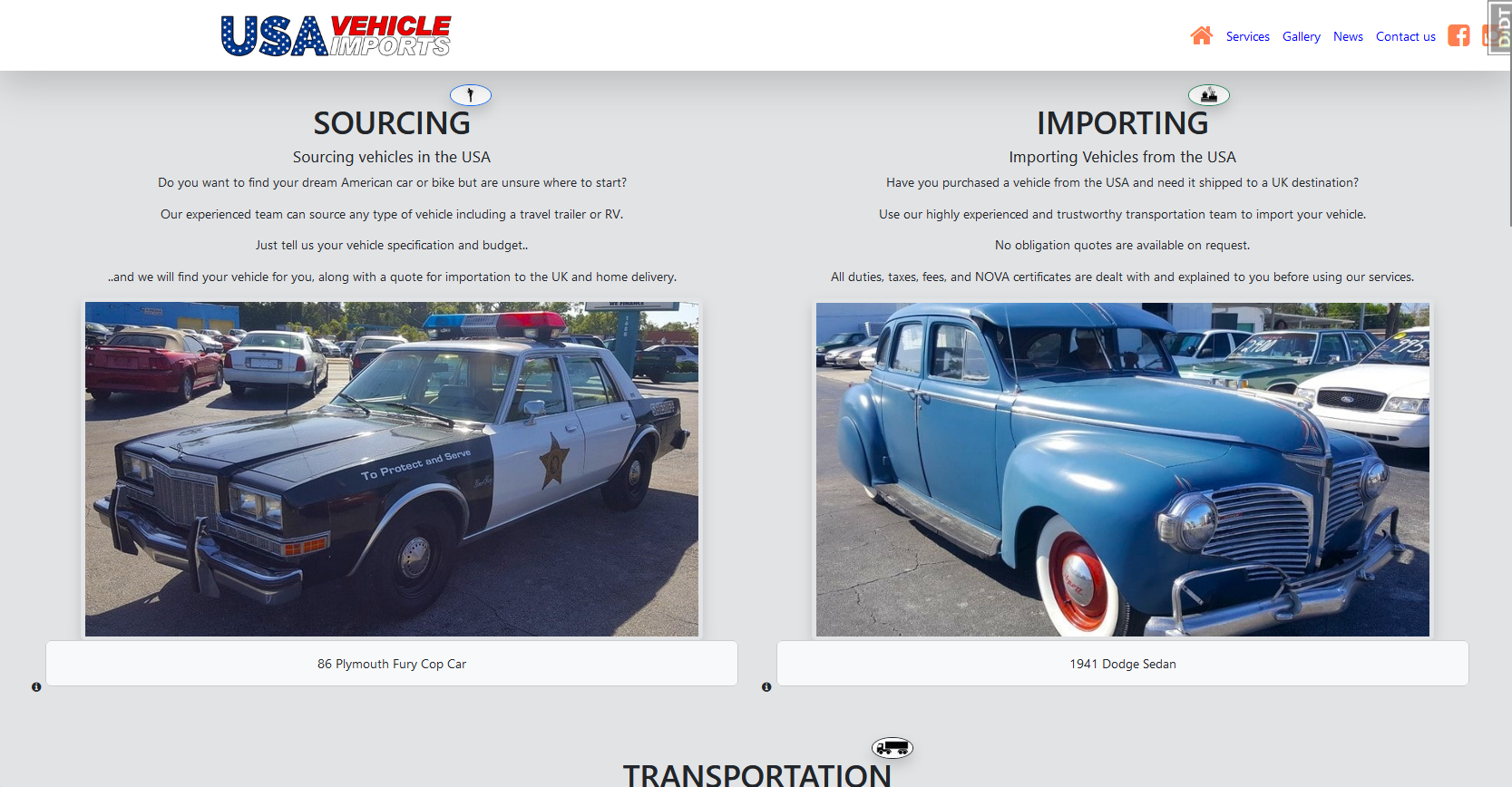
What the business offers
This page contains the bulk of the original business content to explain what they offer supported by images of stock inventory and business support vehicles. Each section is set to a column and is mobile responsive falling into a single column on small screens. A frequently asked question (FAQ) section follows.
FAQs page
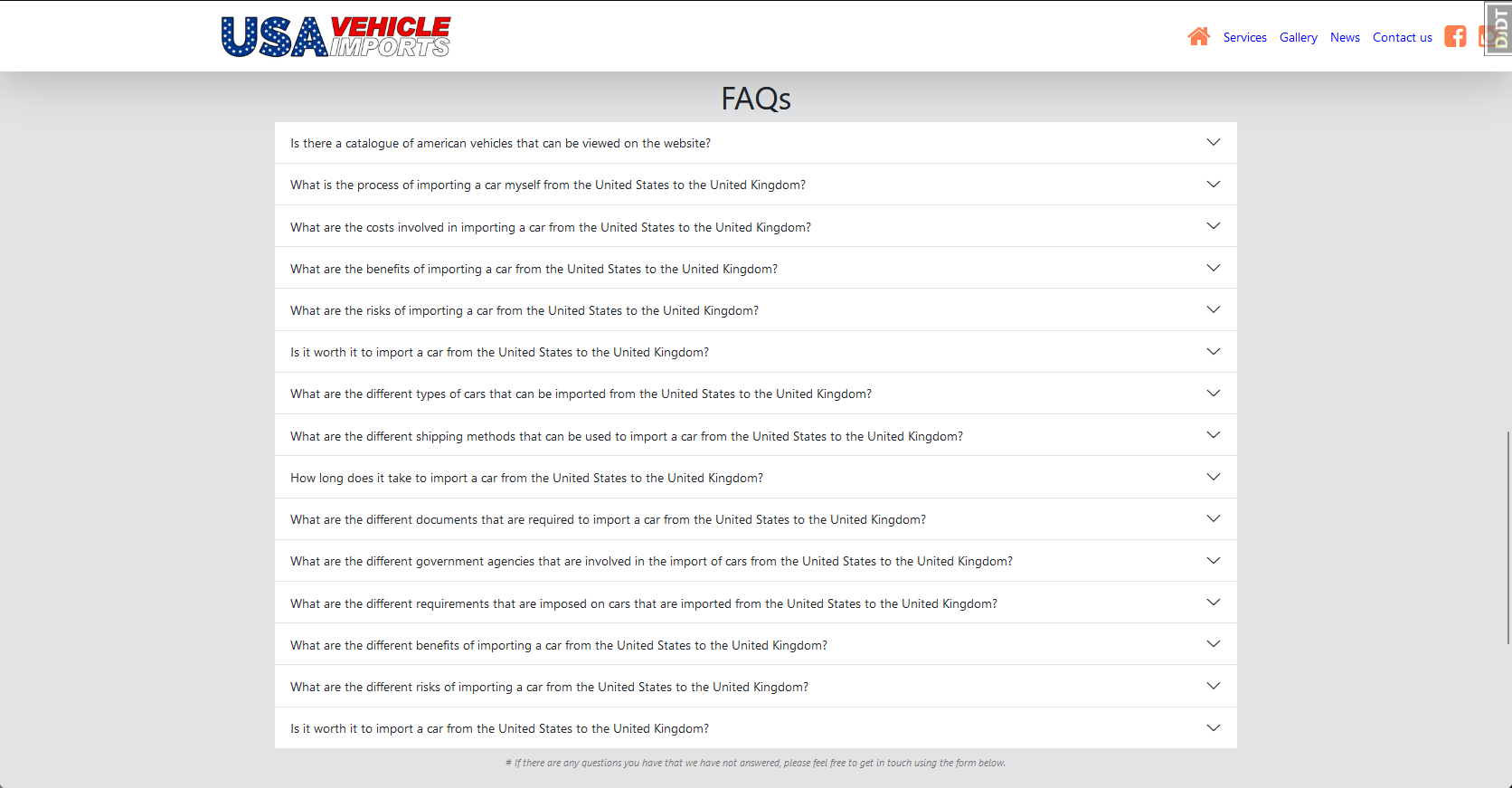
Frequently asked questions
This is an added section to the original site and contains questions that has been researched from other similar services. This is intended to support the above sections with drop down answers as expected. This is dynamically produced from the database and can be changed by the business advocate. The space is not reserved so only displays if they exist.
Current inventory page
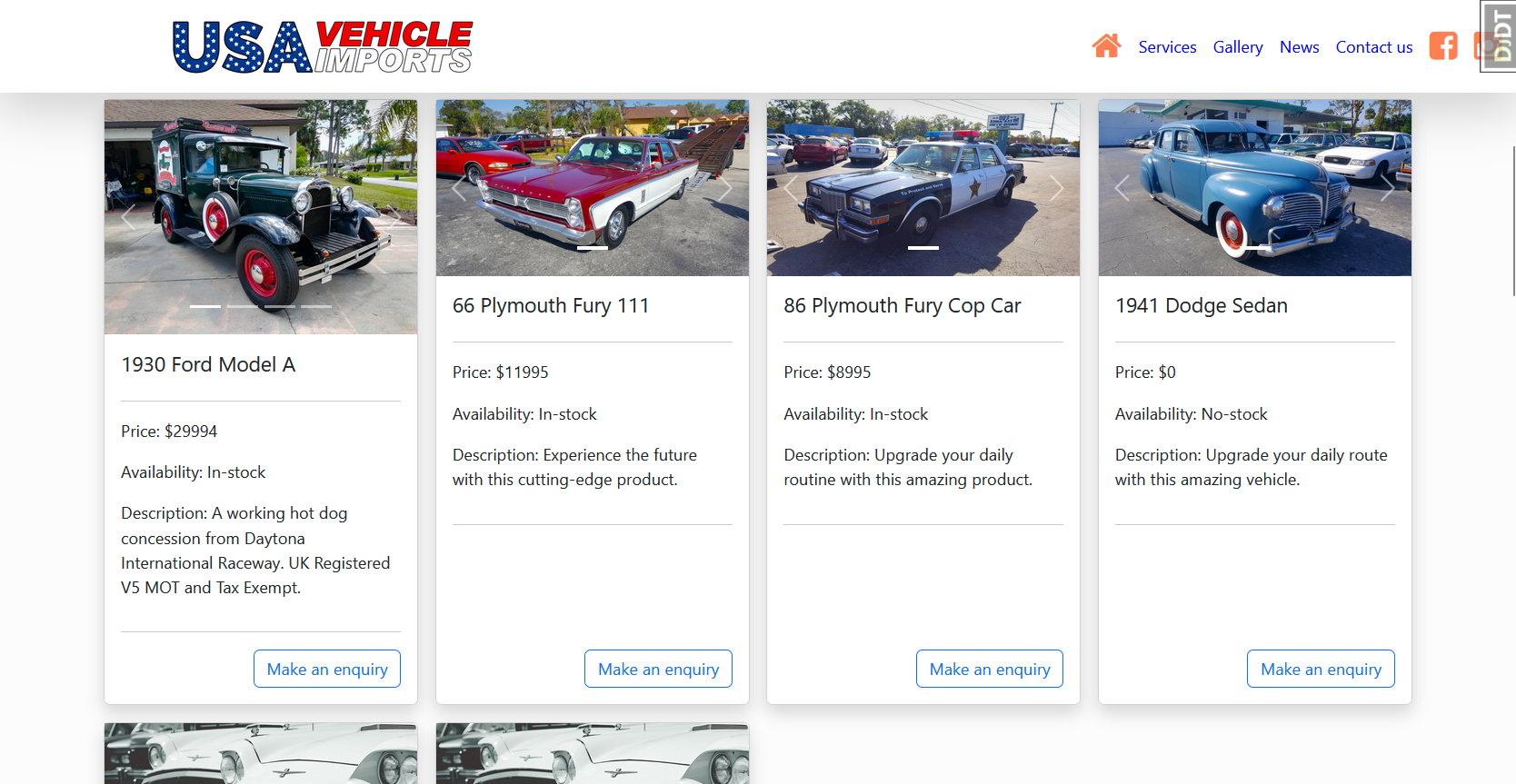
Inventory display
This section dynamically displays all stock that is stored in the database as inventory. The business does not sell directly from the site and therefore does not require a user acount, an order section or cart application. It is an information only page but an enquiry form has been added that fills in the stock details for the user. Formspree.com is used to handle these requests.
A carousel has been added to the top of the cards to allow multiple images but is not set to slide automatically and requires user interaction. The data used has been sourced from the original site and social media accounts. It is expected that this data is out-of-date so business advocate would be required to add or edit them in the admin system.
Previous stock page
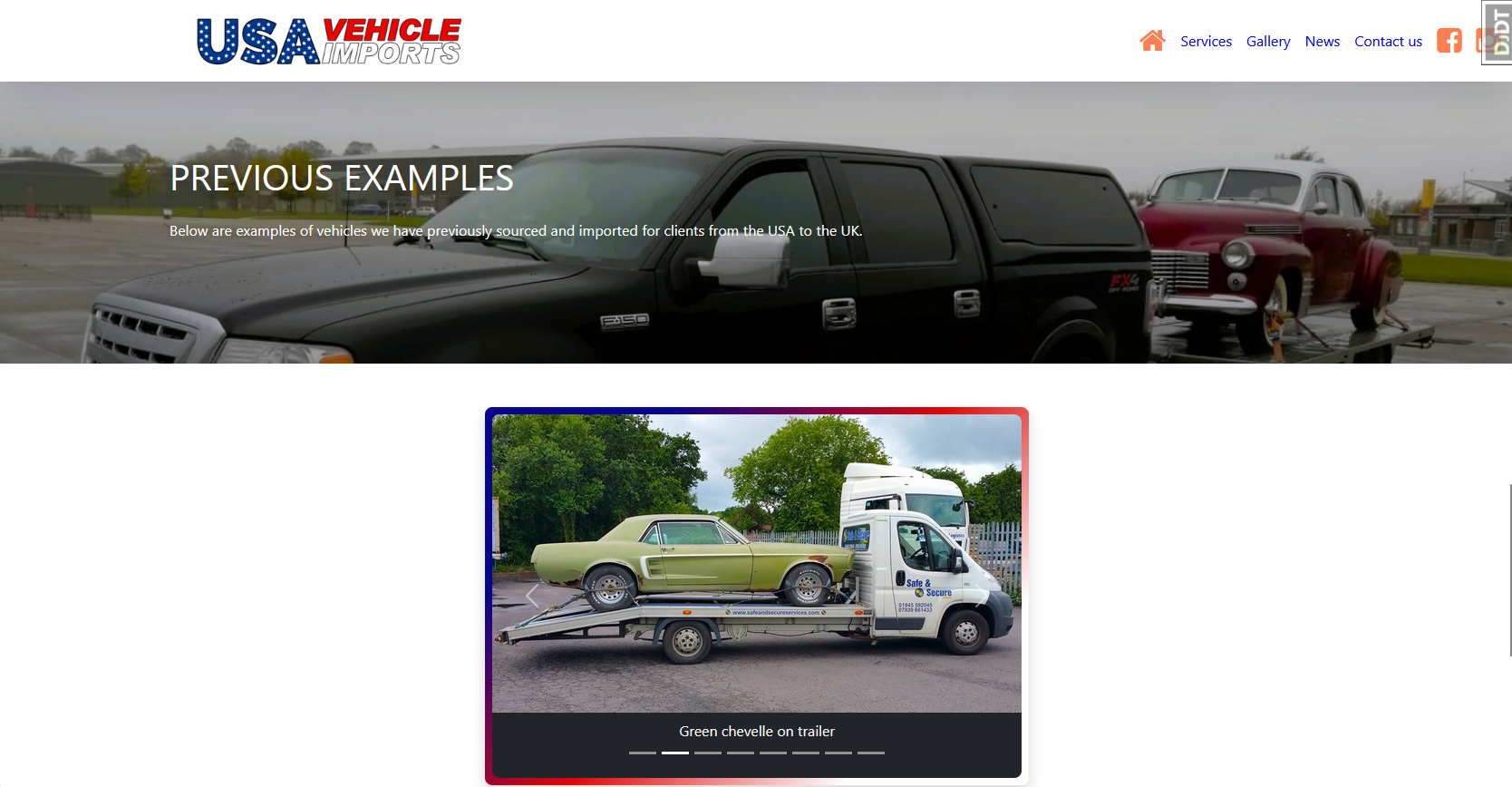
Displaying examples of sold stock
Divider
This section follows the current inventory section with a parallax image and social media plug (no links) to separate them. This plug can be changed in the admin system to a different message as it may encourage a user to leave the website earlier than intended. While this type of information is intended to be helpful to a user and extra advertising for the business, designers try to deter users from early exit and so place this content type away from the main site position on a page. As a short parallax section acting a section divider its impact is intended to be minimal. This UI consideration can be extended to evaluate the value of having social media icons in nav bar as is present with this redesign.
Gallery
This uses a sliding carousel of images with a caption for each below the image. The images have been sourced (snipped) from the original site and their facebook account. The images are stored in the database separately from inventory and are dynamically presented but the space is reserved and displays a collapsed carousel border if images do not exist. Each image has been manually improved as the quality suggests they have been taken on a phone and not appropriate for a business asset that the site is meant to represent. They have also undergone some optimization to reduce the original file size and load quicker.
News page
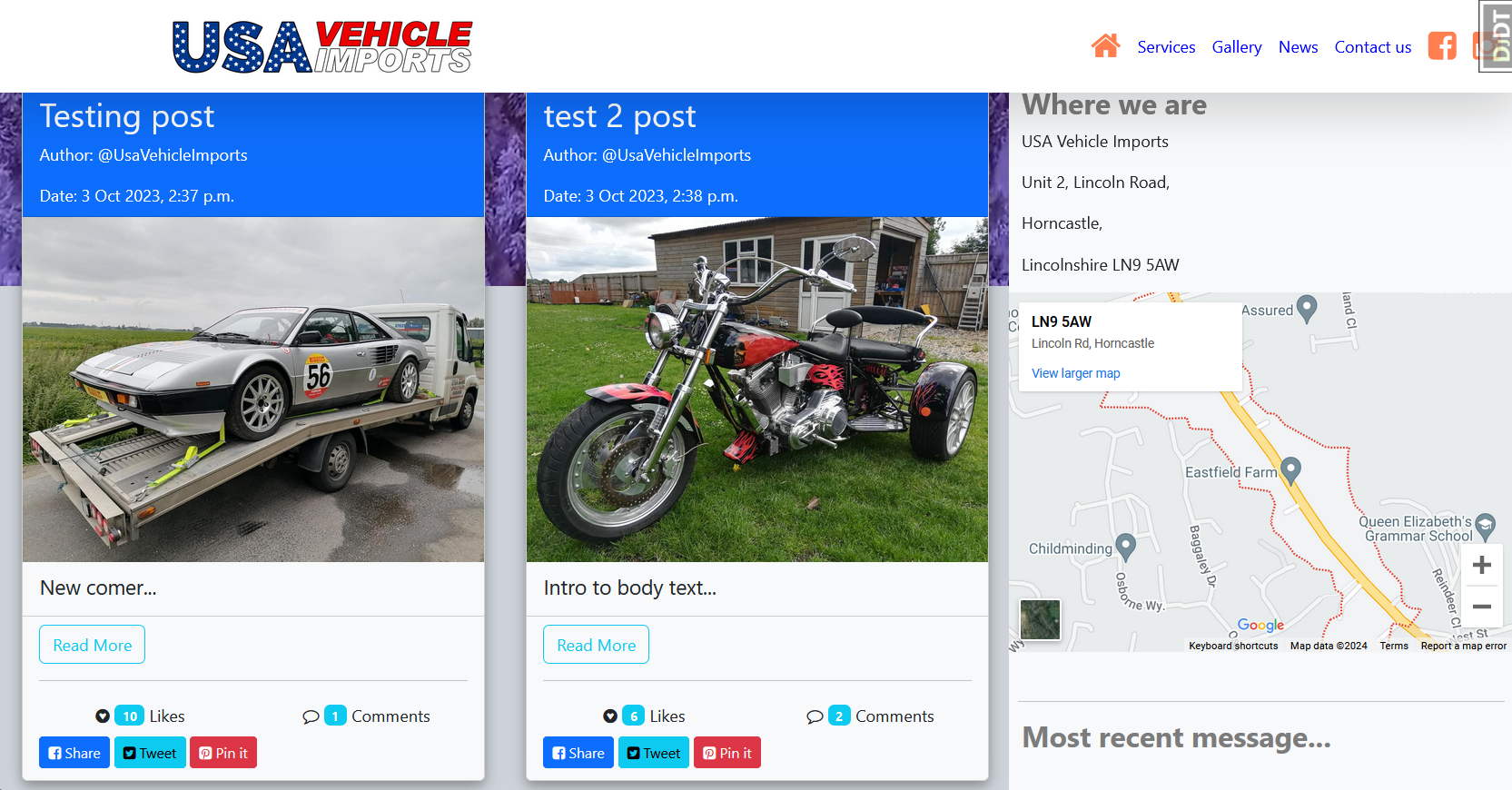
News
Header section
The header contains a looping video for cosmetic value but can be populated by a video made by the business with more commercial value. It is stored in the database and can be easily changed. An image can be used instead as the code looks for either.
News Cards
Like the inventory these are using bootstrap5 cards model. The code to populate the cards are layered to include a header, an image from the database, a title, a more (collapsable) section, and social media attribute buttons. The collapsable section can contain an external image using a url, a video, and text content. Evaluating their facebook account shows a business representative attending a car show which the url image could point to for example, and videos showing vehicles loaded for transport and delivery. Giving them the ability to add multiple media types could enhance the news card for the audience and further endorse the abilities of the business to provide a trustworthy and professional service. Each card is dynamically produced as well as each content so no space is reserved if it does not exist.
Social media attributes
These buttons at the bottom of each card provides the user with the now expected interaction that social media accounts typically provide. Comments are left anonymously as no user account is setup for visiters but does not display until the business advocate moderates them. A reply to a comment can be made by the business advocate and naturally displayed when the comment is authorised for view. A tally counts the comments authorised rather than submitted and awaiting moderation. Likes are automatically added to the likes tally count, and the share links takes the user to the chosen account on a new browser page. The dislike ability has not been included as it is unnecessary. Since all visiters are anonymous the ability to comment and like on a specific news card is governed by the session and only allows it once. This does not prevent a user from closing the session and opening a new one to add another comment or like. It would not be in the best interest of repeated visitors to limit comments to each news card so using ip addresses for example is not necessary. A message does pop up to inform the user that a comment or like has been successful or they have already done one.
Admin page
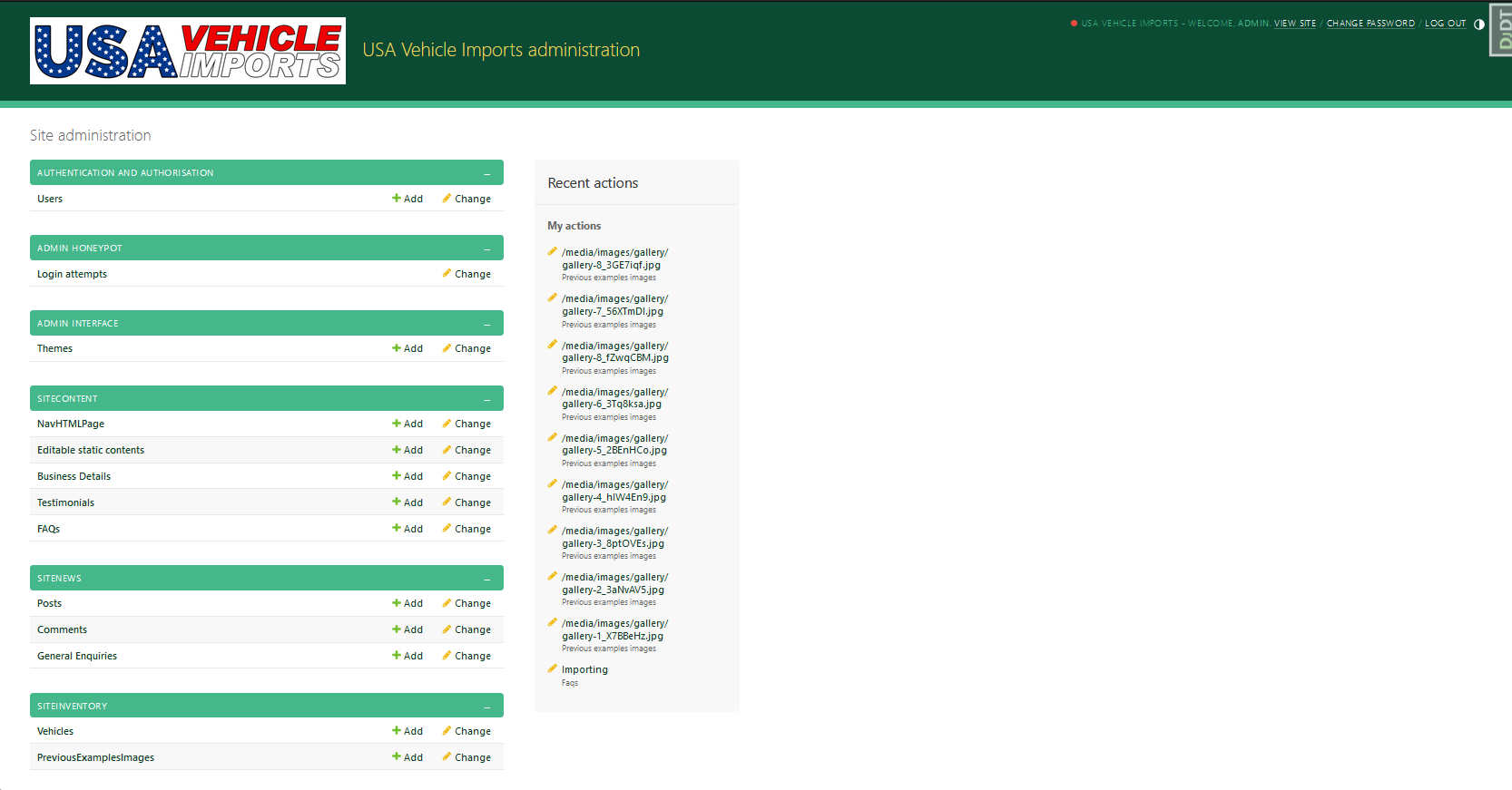
Django admin
The admin page has been sectioned to separate business content from site content and allow a business advocate the ability to add, delete, and edit almost all text and images on the site. The database is in parts relational but the site content and CMS are treated separate from each other. If the business requires user accounts then the database would need to be redesigned. Since the business does not trade directly from the site and provides a personalised service, user accounts where not deemed necessary and excluded from the database designed accordingly.
Site content
This refers to both previous examples and inventory galleries, news cards referred to as posts, comments, and enquiries.
CMS
This refers to all text that is not dynamically rendered and would otherwise have been hard coded in the relevant HTML page. These would be headers, nav links (icons and description), landing page text, business address details, testimonials, FAQs, and services text. Text that are accompanied by images such as services are also included. The data is passed in to the page by the relevant URL with loops and ifs determining what data is to be rendered and placeholders pointing to where it is placed. The layout and design are set and cannot be changed by the business advocate. To do this would involve a whole different ball game.
Additions
Themes have been added to give the advocate the ability to change the colour scheme of the admin page but not change any of its functionality.
A honey pot application is also included to hide the admin login page from the typical 'ip_address/admin' url. Although it is password protected it provides another simple security step to ward off smart arses and records attempts for monitoring. A small link to the admin page is hidden in the footer and can be found somewhere to the right of the copyright text. This would be deleted before hosting but acts as a developers shortcut.
The 'honey pot' method has been incorporated into forms where a hidden field has been added. To deter attacks to the email system any form that contains data in this field is automatically ignored and the database is not updated but a message is logged for the business advocate to monitor and for information only.
While in debug mode true a debug toolbar is included which is visible in the top right of the nav bar. This is set to turn off when debug is set to false in the project settings file.